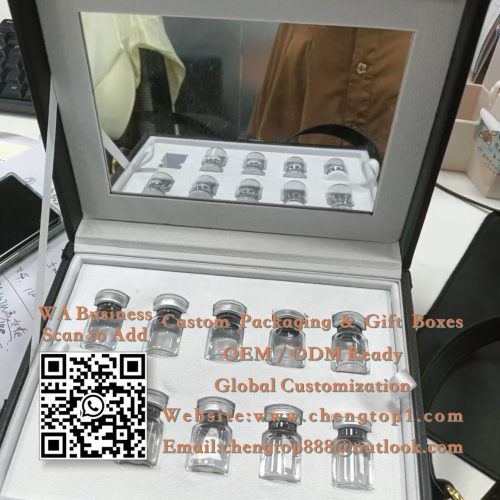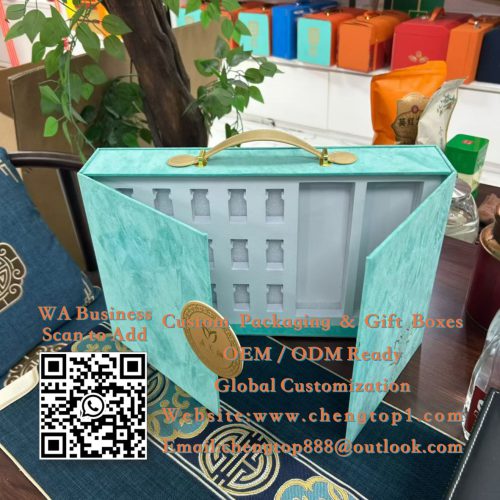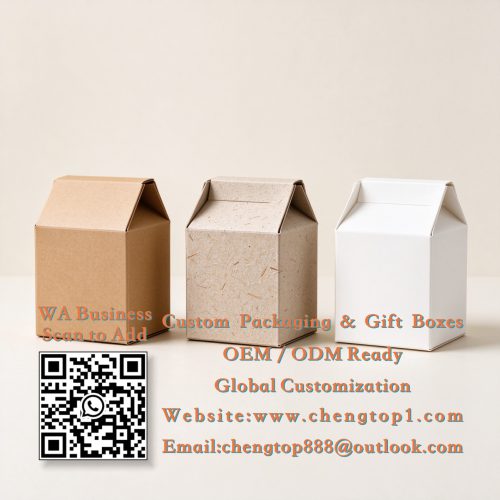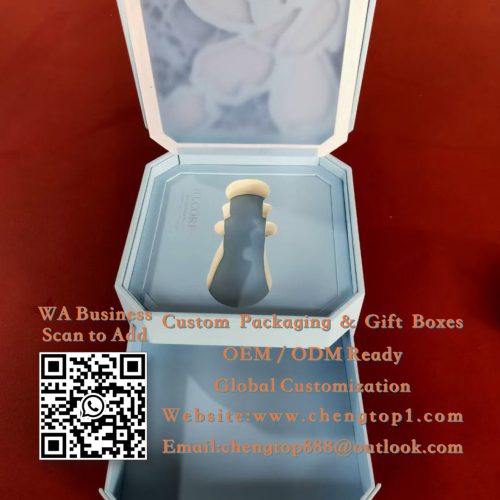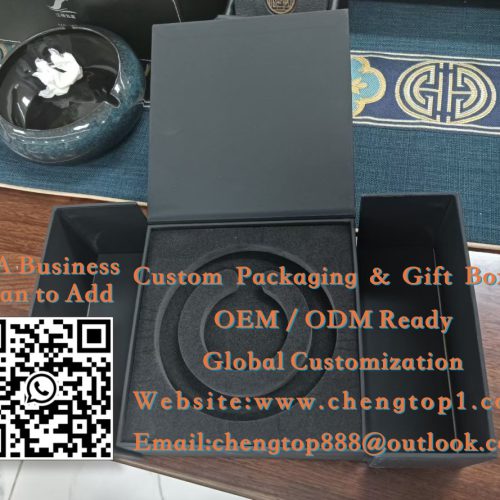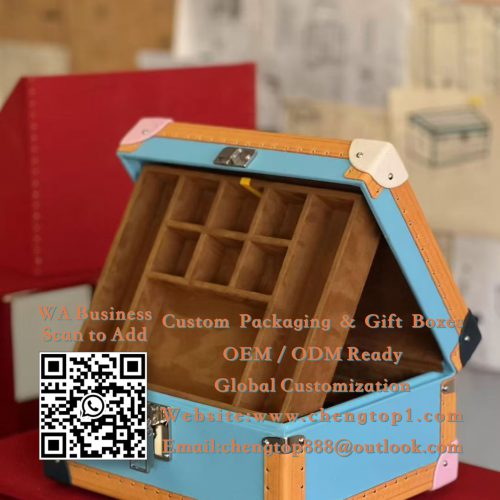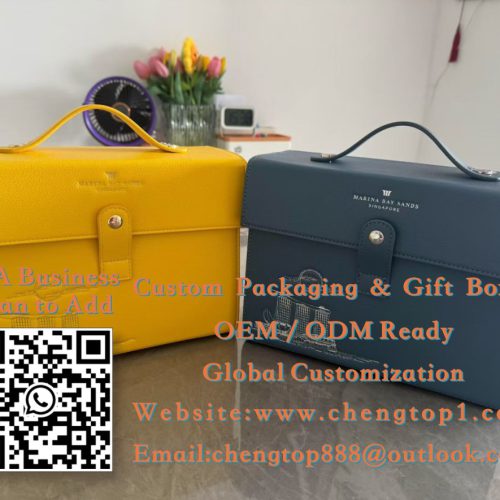
3D prototyping serves as a “translator” for packaging communication: design drafts are flat, but clients visualize them in 3D—a single rendering conveys a design concept better than ten sentences of description. This article clearly explains how to use 3D prototyping; packaging design clients may refer to it as needed.
First, clarify what you want to communicate. The purposes of 3D mockups: renderings (to assess aesthetics), structural diagrams (to assess form), and material visuals (to assess materials); first distinguish between “for the client” (to confirm the direction) and “for the factory” (to confirm the structure) before finalizing the plan—clients look at the renderings, while factories look at the die-cut lines.
How to interpret visual renderings? Visual renderings (previews): color schemes (tone), finishing techniques (foil stamping effects); “multiple angles” (front / 45°) provide a more intuitive view. The value of a visual rendering lies in its “ease of understanding.”
How to use structural diagrams? Structural diagrams (unfolded / assembled): die-cut lines (cutting positions), fold lines (assembly); “Dimension markings” (length, width, height) must be clear. The effectiveness of a structural diagram is determined by whether “the factory can understand it.”
What is the purpose of a rendering? Rendering (material simulation): paper (texture), processes (spot UV); “lighting” (ambient light) affects the visual impression. Rendering details should follow the design draft.
3D vs. Physical Prototypes? 3D prototyping (to preview the effect) → physical prototyping (to verify the manufacturing process); proceed to physical prototyping only after “3D approval” (to reduce the number of prototyping iterations). The collaboration process should follow the principle of “3D sets the direction, physical prototypes set the standards.”
Tips for 3D prototyping: Renderings facilitate communication, structural diagrams demonstrate form, and rendering techniques convey texture—by clearly defining “who is viewing it and what they are looking at,” you can save time on back-and-forth revisions during the 3D prototyping process.