
Hologram Viewing Angle Under Retail Lighting
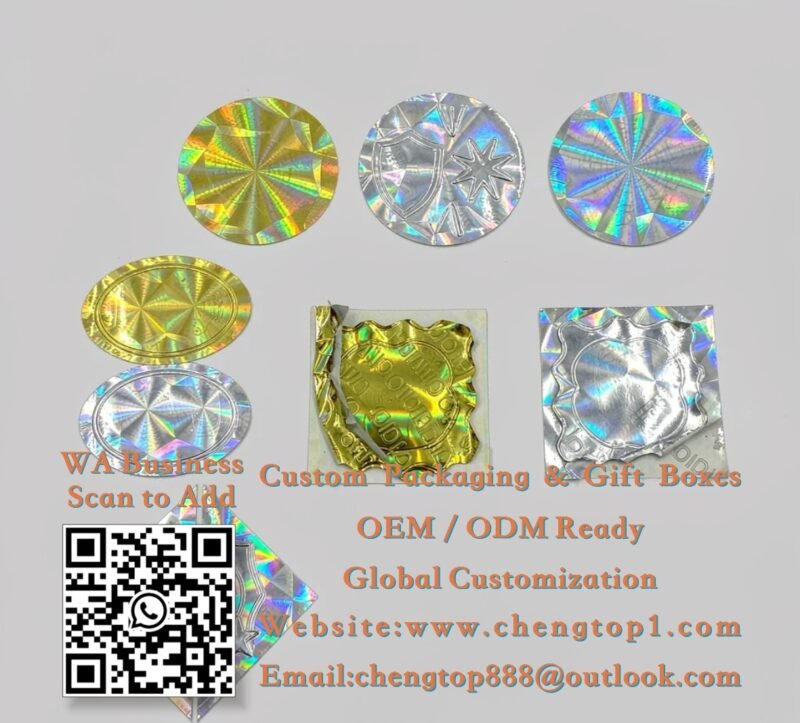
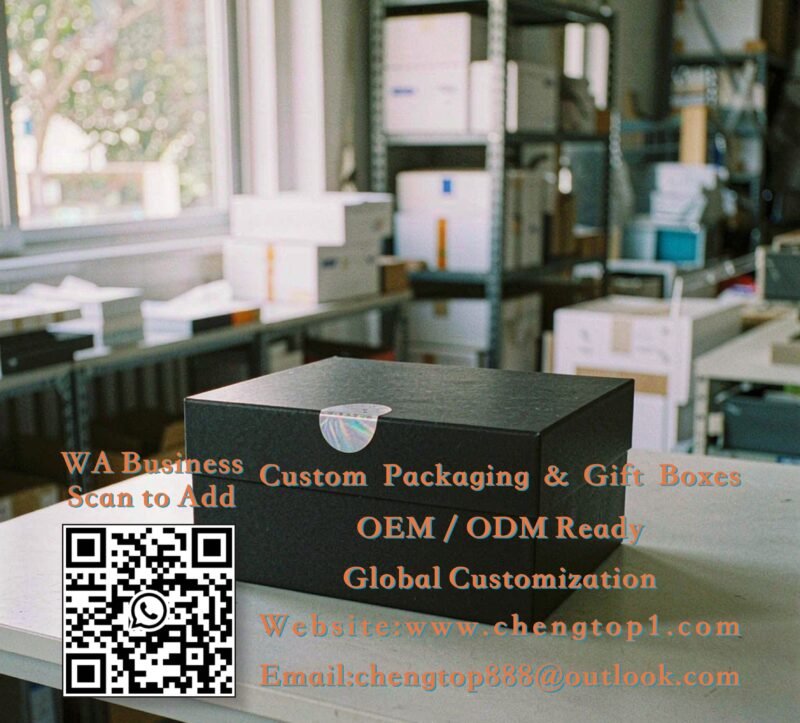
A hologram is cut for a viewing angle, and that angle rarely matches the light above a retail shelf. A pattern that reads clearly on a desk can turn into a dull grey patch under a wide ceiling fixture. Check the seal on the box at the height and lighting of the shelf, and keep the surrounding print quiet so the shift in colour still has somewhere to show.
Demander un devis
Indiquez la quantité souhaitée et ajoutez-la à votre liste de devis pour obtenir un devis.
Description
A hologram on a sample card can look bright on a desk and turn into a dull grey patch under a retail ceiling. The image is cut for a viewing angle, and a wide ceiling fixture lights the pack from somewhere else entirely. The surrounding print decides whether the shift in colour has anywhere to show.
Viewing Angle and the Shelf
Holographic patterns are made to replay under a point source at a particular angle. A customer standing in an aisle sees the pack from above and slightly to one side, with light coming from a long strip fitting rather than a single lamp. Check the seal on a box placed at shelf height under that lighting, and turn the box slowly through the angle a shopper would use. A pattern that only reads at one narrow position will disappear for most of the day.
Master orientation on the roll matters too. If the seals are applied in mixed directions across a batch, some packs will show the shift and some will not. Mark the orientation on the application drawing where the pattern has a strong direction.
Quiet Surroundings Around the Seal
A busy printed background competes with a shifting image. Keep a plain area around the seal, and hold a dark solid panel or a heavy foil mark away from it. A small seal on a quiet matte carton reads more clearly than a larger one sitting on a glossy photographic panel. Where the hologram is meant to act as a security feature rather than a decoration, that plain area also makes the tamper evidence easier to see.
Colour of the carton changes the reading. A dark navy board gives a cooler shift and a warm kraft board mutes it. Approve the seal on the actual carton stock, not on a white sample card.
Seal Size Against the Feature
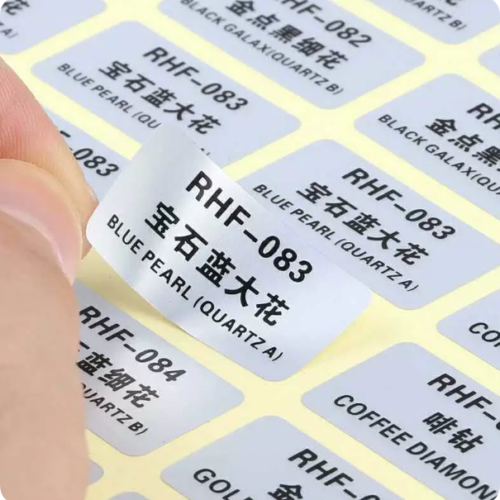
A small hologram gives a fine pattern that can look like noise at a distance, while a larger one shows the colour shift but needs more flat space. Where the seal has to carry a code, keep a flat unpatterned area inside it so the code stays readable under a scanner. The autocollants de sécurité holographiques range covers patterned and quiet-area designs, and the retail cartons range shows the panel space available on a shelf-facing pack.
Consistency Across a Batch
A hologram master can wear during a long run, and the later seals read a little softer than the early ones. Pull samples from the start and the end of the run and view them side by side under the same fitting. Where a serial number is added, check that the overprint does not sit on the busiest part of the pattern.
Checks Under Store Lighting
- View the finished pack at shelf height under a wide ceiling fitting.
- Turn the box through the angle a shopper would use and note where the shift appears.
- Mark pattern orientation on the application drawing for the batch.
- Keep a quiet printed area around the seal and away from foil marks.
- Compare seals from the start and the end of a long run side by side.
Where a pack is displayed behind glass or under a clear film outer, the extra layer changes the reflection again. Check the hologram through that layer rather than on a bare box, since a bright reflection can sit exactly where the colour shift should appear. A small change in seal position usually solves it.
Send the carton stock, the seal size and the shelf lighting conditions when you ask for a quote. With the viewing angle, the surrounding print and the batch consistency settled together, the seal reads as intended on the shelf rather than only on the approval card.